
Hello everyone today in this article we are going to discuss how we can install and use the HTTrack website copier tool
Website mirroring is the process of making a clone of the original website. This process is helpful in website footprinting by analyzing the cloned website on your local system.
There are many websites mirroring tools available in the market for paid and free. These tools include HTTrack Website Copier. HTTrack is an offline browser utility that downloads a website from the Internet to a local directory, builds all directories recursively, and transfers HTML, images, and other files from the web server to another computer.
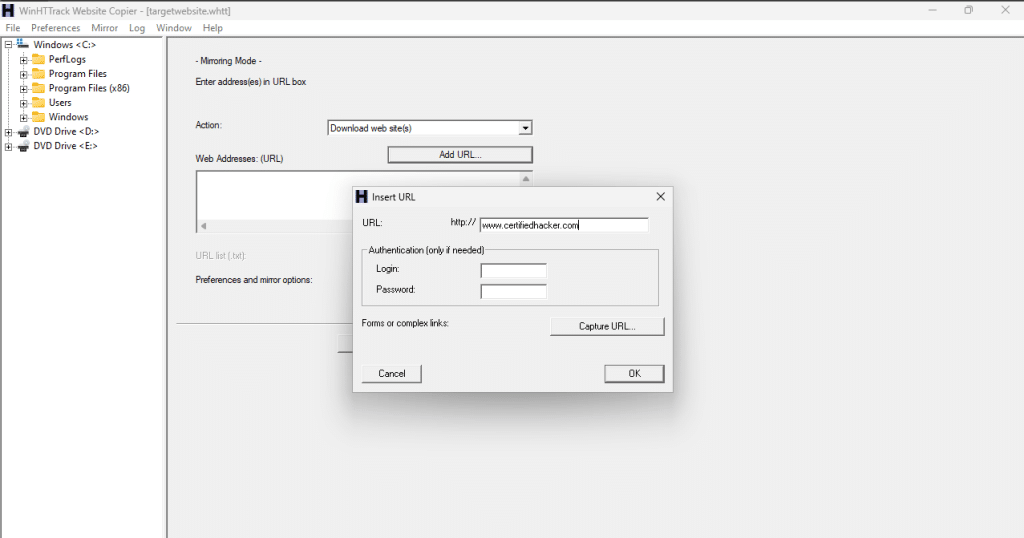
Now we will use the HTTrack tool to make a clone of the target website and store it in our local system. We are targeting www.certifiedhacker.com as our target. This will help us in analyzing and identifying possible exploits and vulnerabilities.
// 01 How to download and Install
1. Let’s download the HTTrack tool from its official website [click here]
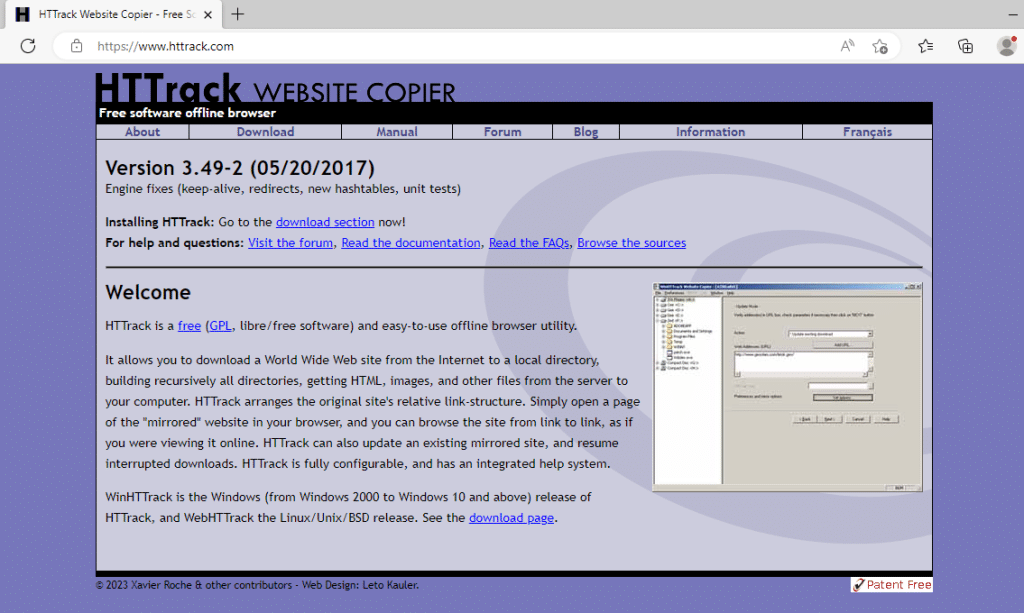
2. Click on the download link, and it will show you the best-recommended package according to your system
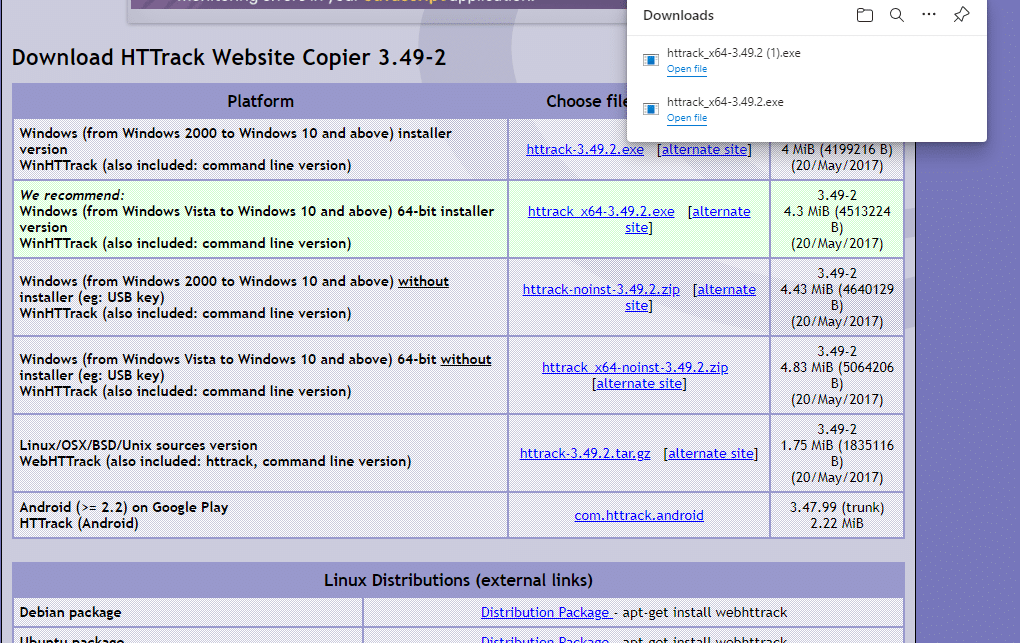
3. Download the Httrack package and install it as normally you install any applications.
Now open the application and follow these steps for cloning any website with the tool
// 02 Clone website with Httrack tool
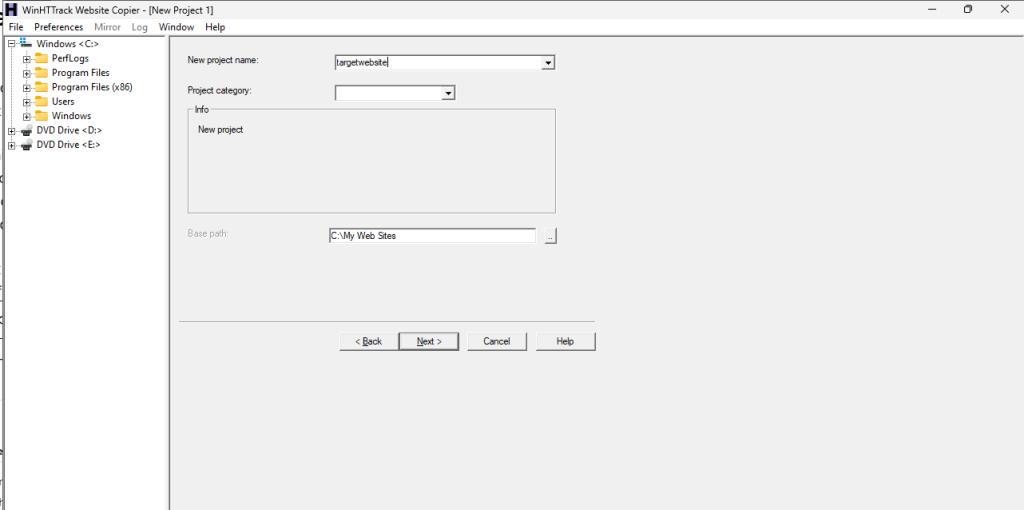
1. First open the software then you’ll see the interface as in the figure
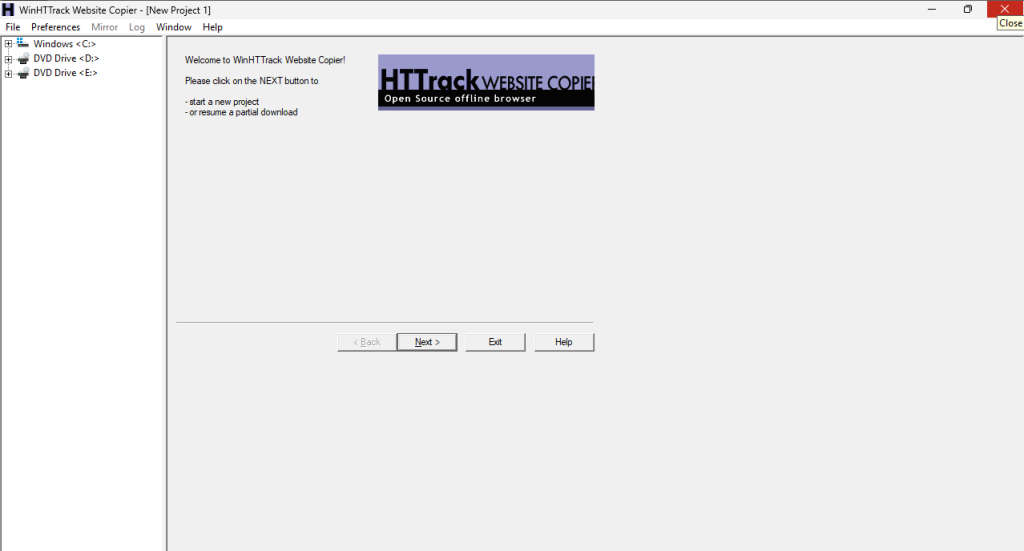
2. now click on the next button and create a project named your target website and then click next
3. now after clicking next now add the full URL of your target website in the add URL section
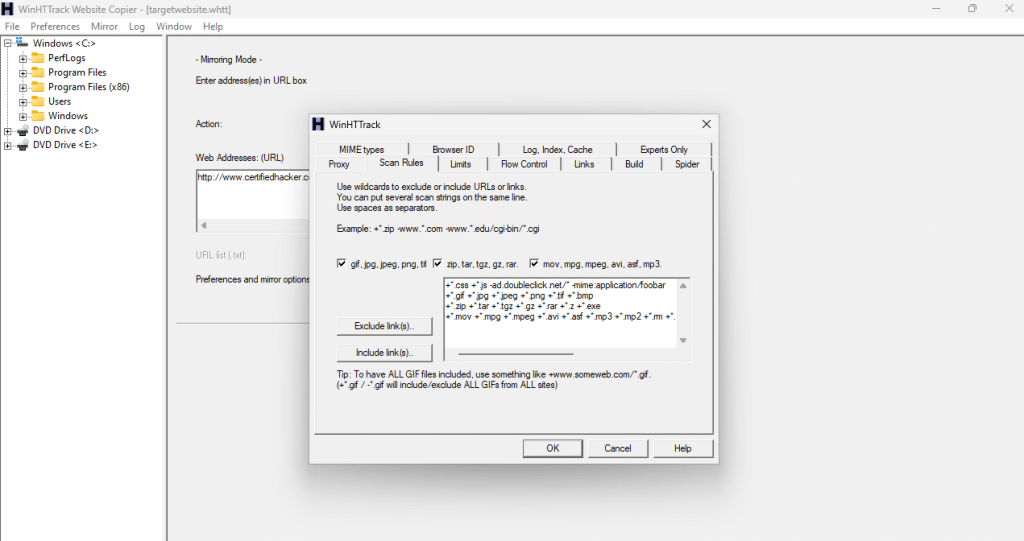
4. now click ok and then go on the set options button and then go to the scan rules tab and tick all the three boxes and for getting all the media files of the site correctly
5. now click on ok and then click next in the next section you need to tick an option [Disconnect when finished] and click on the finish button.
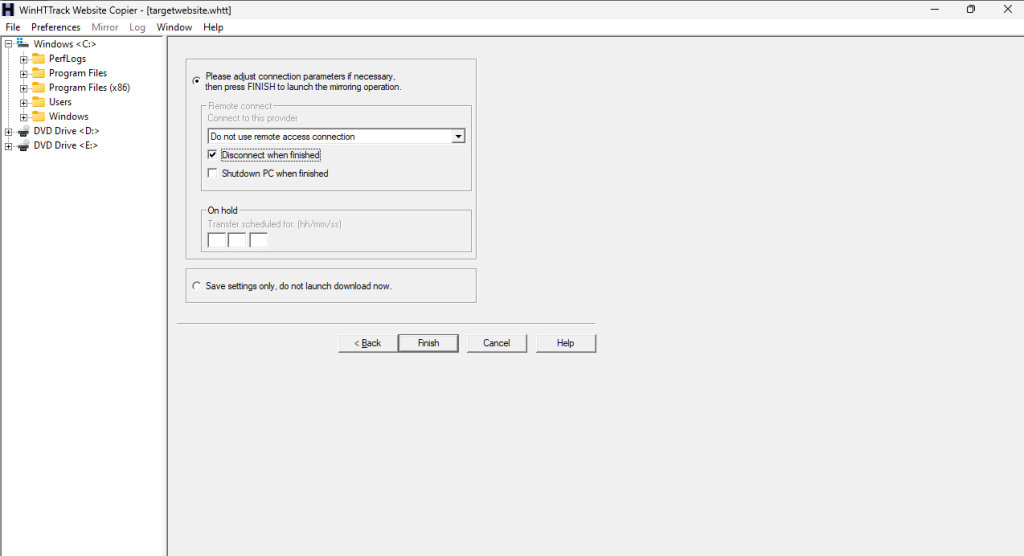
6. after clicking on the finish button all the required settings will be finished and the tool start to download your website on your local machine.
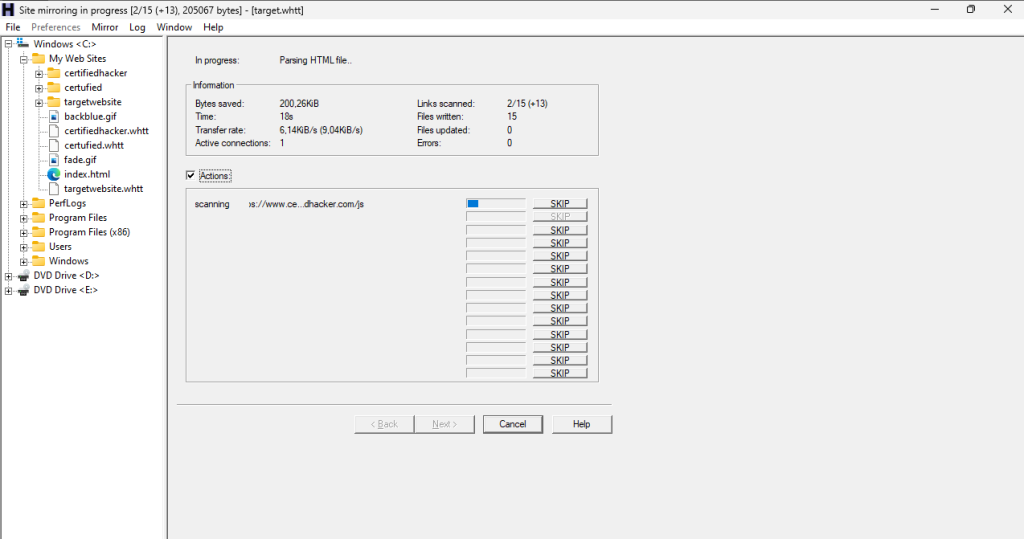
7. after finishing the download the tool will be disconnected from the site and shows the path to your local machine.
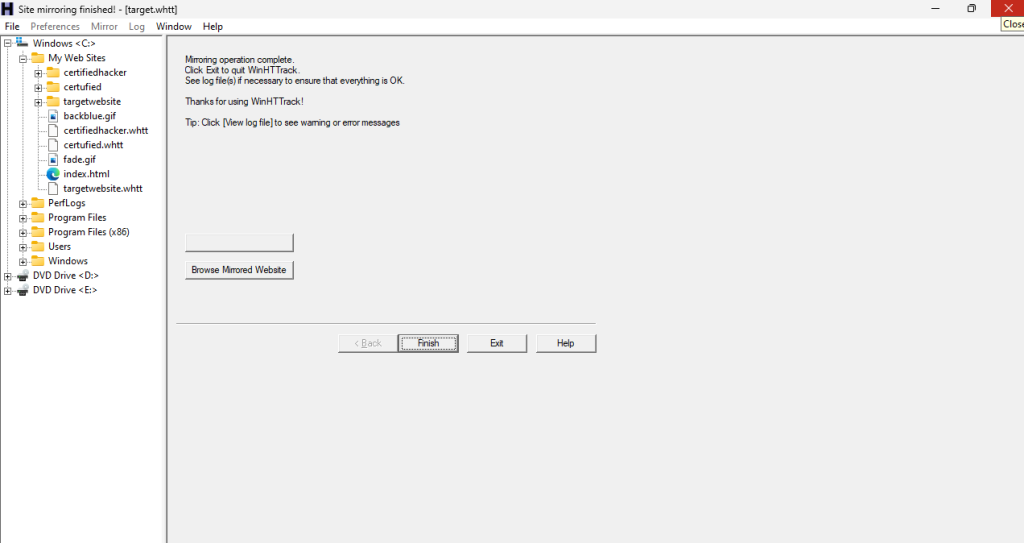
now you can explore the site and its loopholes and vulnerabilities in your local machine. it will save your bandwidth and request and response log in target website servers.