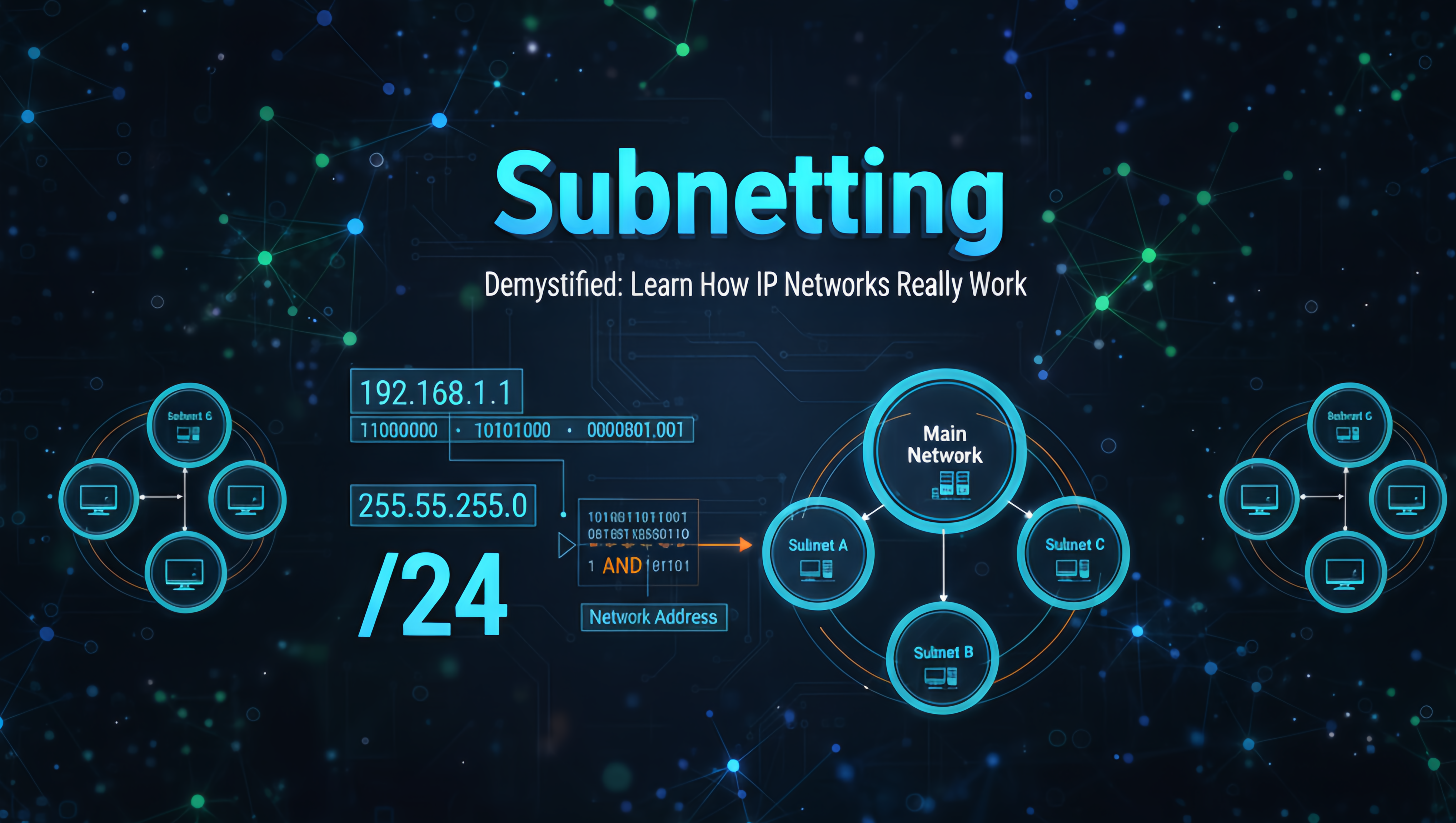
IP Subnetting is one of the most fundamental but also among the most misunderstood subjects with regard to a particular field. One popular misconception regarding this topic focuses on the benefits that come from using Subnet Works. By breaking up larger networks into many smaller networks (subnetting), these businesses will experience better performance, higher levels of Security, Ease of Management, and more efficient use of available IP Address Space.
What is an IP Address?
Internet Protocol Address is the unique identification of every device connected to any network whether it is public or private. Every device gets a unique IP in the particular network to identify itself with others devices and to communicate with each other they need it.
Any device that connects with any network will get an IP from its ISP for identifying the device and network traffic in the public or worldwide network. The IP is very necessary for any device validation on the internet for many things like communication with another device, file sending, and receiving.
An IP address is known as the logical address of the devices which is very necessary for device validation. Mostly the IP address is divided into classes which are likely to be A, B, C, D, and E class.
192.168.10.25
Every IP address consists of two parts:
Network Portion → Identifies the network
Host Portion → Identifies a device inside the network
IPv4 Address Structure
An IPv4 address is made of 32 bits divided into 4 octets, each ranging from 0 to 255.
Example:
192.168.1.10
→ 192 | 168 | 1 | 10
→ each octet = 8 bits
→ total = 32 bits
What is a Subnet?
A subnet (short for “subnetwork”) is a smaller logical network created from a larger network. Subnetting divides one network into multiple segments.
Example:
A company’s 192.168.1.0 network can be divided into:
- 192.168.1.0 → HR
- 192.168.1.64 → Finance
- 192.168.1.128 → CCTV
- 192.168.1.192 → Students/WiFi
Every subnet works independently and is separated by routers or Layer 3 switches.
Why Do We Need Subnetting?
Subnetting solves multiple problems in modern networks:
- Avoids wasting IPs, especially in big networks.
- Subnetting decreases broadcast traffic and improves network performance.
- Each subnet can be isolated using ACLs, firewalls, VLANs, and routing.
- Different departments, floors, or functions get different networks.
- Large organizations may need hundreds of manageable subnets.
- AWS VPCs, Azure VNets, and Kubernetes all use subnetting.
What is a Subnet Mask?
A subnet mask tells us which part of the IP is the Network and which part is the Host.
| Subnet Mask | CIDR | Meaning |
|---|---|---|
| 255.255.255.0 | /24 | First 24 bits are network bits |
| 255.255.0.0 | /16 | First 16 bits are network bits |
| 255.255.255.128 | /25 | First 25 bits are network bits |
| 255.255.255.240 | /28 | First 28 bits are network bits |
The Subnet Mask is a 32-bit value used to distinguish between the Network and Host portions of an IP address.
- The bits in the mask corresponding to the Network Portion are set to 1 (all contiguous 1s).
- The bits corresponding to the Host Portion are set to 0 (all contiguous 0s).
A bitwise AND operation between the IP address and the Subnet Mask reveals the Network Address.
CIDR Notation (Classless Inter-Domain Routing)
The length of the network portion is often represented using CIDR notation, written as a slash followed by a number (e.g., /24). This number indicates the total count of Network Bits (the 1s) in the subnet mask.
| CIDR | Subnet Mask (Binary) | Subnet Mask (Decimal) |
| /8 | 11111111.00000000.00000000.00000000 | 255.0.0.0 |
| /16 | 11111111.11111111.00000000.00000000 | 255.255.0.0 |
| /24 | 11111111.11111111.11111111.00000000 | 255.255.255.0 |
Examples:
- /24 = 255.255.255.0
- /20 = 255.255.240.0
- /28 = 255.255.255.240
CIDR simply counts how many bits are for the network portion.
How Subnetting Works Internally
Subnetting works by borrowing bits from the host portion and turning them into network bits.
Example:
A Class C network default mask = /24
Borrow 1 bit → /25
Borrow 3 bits → /27
Borrow 4 bits → /28
Every bit borrowed increases the number of subnets, but decreases the available hosts. By “borrowing” one or more bits from the Host Portion of the IP address and adding them to the Network Portion. These borrowed bits become the Subnet Bits.
This process achieves two main goals:
- Creates more subnets: Each combination of the new Subnet Bits represents a unique subnetwork.
- Number of Subnets =2n (where n is the number of borrowed bits).
- Reduces the number of hosts per subnet: Fewer bits are left for the host portion.
- Number of Usable Hosts =2h−2 (where h is the number of remaining host bits. We subtract 2 because the first and last addresses in each subnet are reserved).
Reserved Addresses in a Subnetting
In every subnetwork, two addresses are reserved and cannot be assigned to hosts:
- Network Address: The first address in the range. All host bits are set to 0. This address is used by routers to identify the network.
- Broadcast Address: The last address in the range. All host bits are set to 1. Data sent to this address reaches all devices on that specific subnet.
Binary Rules of Subnetting (Universal Rules)
These rules never change:
1. Network/Subnet Address
All host bits = 0
2. Broadcast Address
All host bits = 1
3. First Host
All host bits = 0, except the last bit = 1
4. Last Host
All host bits = 1, except the last bit = 0
This is how every router, switch, firewall, and OS calculates subnets.
Step-by-Step Subnetting Method (Easy Student Method)
This method works for ANY subnetting question:
- Find first and last usable hosts
- Convert CIDR → subnet mask
- Calculate block size
- Find subnet range
- Determine network address
- Determine broadcast address
Scenario: Subnet the network 192.168.10.0 /24 to create at least 5 new subnets.
Step 1: Determine the Number of Borrowed Bits (n)
The original subnet mask is /24, which means 32−24=8 host bits are available (the last octet).
We need at least 5 subnets. We use the formula 2n≥Number of required subnets.
- 21=2 (Not enough)
- 22=4 (Not enough)
- 23=8 (Enough!)
We need to borrow n=3 bits from the host portion.
Step 2: Calculate the New Subnet Mask (New Prefix)
The original prefix was /24. By borrowing 3 bits, the new prefix is 24+3=/27.
The new subnet mask will have 27 contiguous ‘1’s.
| Octet 1 | Octet 2 | Octet 3 | Octet 4 (Subnetting occurs here) |
| 8 bits | 8 bits | 8 bits | 3 Subnet Bits, 5 Host Bits |
| 11111111 | 11111111 | 11111111 | 11100000 |
| 255 | 255 | 255 | 128+64+32 = 224 |
The new custom subnet mask is 255.255.255.224.
Step 3: Calculate Remaining Host Bits (h) and Hosts per Subnet
Total bits in an octet is 8. We borrowed n=3 bits, leaving h=8−3=5 host bits.
- Total Addresses per Subnet =2h=25=32
- Usable Hosts per Subnet =2h−2=32−2=30
Step 4: Determine the Subnet Ranges
The 3 borrowed bits create 23=8 subnets. The block size or increment for the new subnets is determined by the value of the last ‘1’ bit in the subnet mask’s last octet. In the 224 octet, the binary representation is 11100000. The last ‘1’ is in the 32 position.
The subnets will increment by 32 in the last octet.
| Subnet Number | Network Address (All Host Bits are 0) | Host Range (Usable IPs) | Broadcast Address (All Host Bits are 1) |
| 0 | 192.168.10.0 /27 | 192.168.10.1 – 192.168.10.30 | 192.168.10.31 |
| 1 | 192.168.10.32 /27 | 192.168.10.33 – 192.168.10.62 | 192.168.10.63 |
| 2 | 192.168.10.64 /27 | 192.168.10.65 – 192.168.10.94 | 192.168.10.95 |
| 3 | 192.168.10.96 /27 | 192.168.10.97 – 192.168.10.126 | 192.168.10.127 |
| …. | …. | …. | …. |
| 7 | 192.168.10.224 /27 | 192.168.10.225 – 192.168.10.254 | 192.168.10.255 |
You have successfully divided the original network into 8 smaller, manageable subnets, each with 30 usable IP addresses.
How Routers Use the Bitwise AND Operation
When a router needs to determine if a destination IP address is on the local network (i.e., within the same subnet) or needs to be forwarded to another network, it performs a Bitwise AND operation.
Example: Is 192.168.10.45 on the network 192.168.10.32 /27?
The router applies the new Subnet Mask 255.255.255.224 to the destination IP address:
| Octet | Decimal IP | Binary IP | Decimal Mask | Binary Mask | Binary Result | Decimal Result |
| 1 | 192 | 11000000 | 255 | 11111111 | 11000000 | 192 |
| 2 | 168 | 10101000 | 255 | 11111111 | 10101000 | 168 |
| 3 | 10 | 00001010 | 255 | 11111111 | 00001010 | 10 |
| 4 | 45 | 00101101 | 224 | 11100000 | 00100000 | 32 |
The resulting Network Address is 192.168.10.32. Since the bitwise AND operation yields the Network Address of the subnet 192.168.10.32 /27, the device with IP 192.168.10.45 is indeed part of that subnet.
Benefits of Subnetting
- Efficient IP Address Allocation: Prevents wastage of IP addresses by creating subnets of appropriate size, essential for the limited pool of IPv4 addresses.
- Reduced Network Congestion: Limits the size of the broadcast domain. Broadcast traffic (messages sent to all devices) is contained within the smaller subnet, leading to less traffic on the overall network.
- Enhanced Security: Subnets allow administrators to isolate different segments (e.g., servers, guest Wi-Fi, employee computers) using firewalls or Access Control Lists (ACLs), preventing unauthorized access between segments.
- Simplified Management: Breaking a large, complex network into smaller, logical subnets makes it easier to manage, troubleshoot, and scale.
For any query contact us at contact@cipherssecurity.com
Thank you for reading this post, don't forget to subscribe!